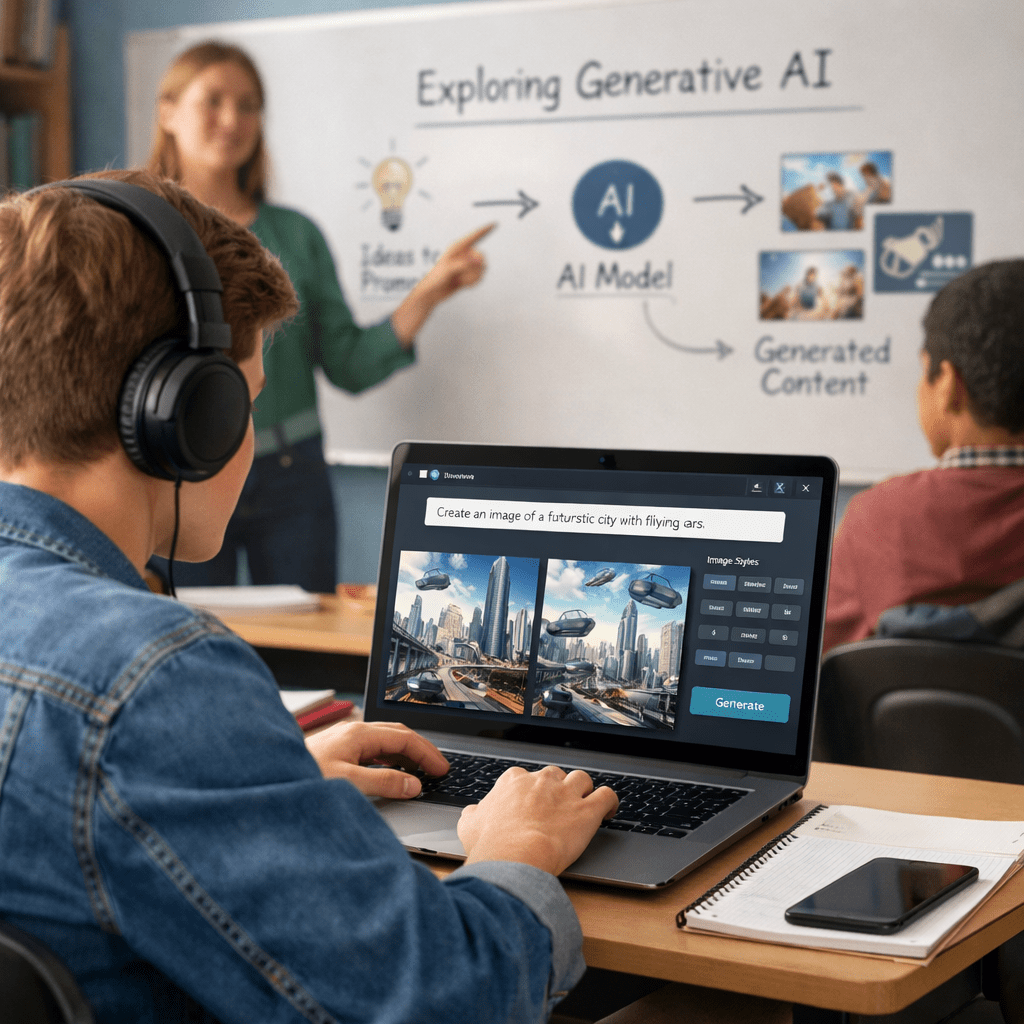
Artificial Intelligence (AI) is reshaping the creative world, and AI-generated art has emerged as one of its most fascinating innovations.
What began as an experimental technology has quickly evolved into a global creative movement, enabling artists, designers, businesses, and hobbyists to transform ideas into compelling visuals within minutes.
The growth of AI art has been remarkable. Creative professionals use AI to brainstorm concepts, accelerate design workflows, and produce illustrations for advertising, publishing, gaming, and entertainment.
At the same time, independent creators are selling AI-assisted artwork as digital downloads, prints, book covers, and custom commissions through online marketplaces, creating new opportunities to monetize creativity.
For the last two years, the big question was, “Are you using AI yet?” Today, that question feels outdated. Most companies have already experimented with ChatGPT, Copilot, Gemini, or other AI tools. The first phase of AI — adoption — is largely behind us.
Now comes the harder and far more exciting phase: AI transforming the workforce.
This isn’t about giving employees another app to play with. It’s about redesigning how work gets done. Consulting firms like McKinsey, BCG, Gartner, and PwC all point to the same trend: the real value of AI doesn’t come from simply using it. It comes from rethinking roles, workflows, and even organizational structures around AI.
Think of it like buying a fancy treadmill. Owning it doesn’t make you fit. Changing your daily routine does.
We’re already seeing jobs evolve. Marketers are spending less time writing first drafts and more time shaping strategy. Developers are becoming AI supervisors instead of writing every line of code. Customer support teams are using AI to handle repetitive questions, leaving humans to solve complex problems. The work isn’t disappearing. It’s changing.
The biggest challenge is no longer technology. It’s people. The World Economic Forum highlights that employees have different levels of AI readiness, while Everest Group argues that the next phase is defined by adaptation, not adoption. Companies that invest in reskilling, redesigning jobs, and helping employees work alongside AI will pull ahead.
So, if your organization is still celebrating that everyone has access to an AI tool, congratulations—you’ve completed Phase One.
Phase Two is where the real game begins. The winners won’t be the companies with the most AI. They’ll be the ones with the workforce that knows how to work with it.
The growing use of generative artificial intelligence (gen AI) in higher education reflects a significant shift in how students approach academic work.
For example, fresh data from Turnitin indicates that 53.6% of Australian university submissions screened between October 2025 and April 2026 contained some level of AI-generated content. Within this group, around 10% of submissions were assessed as containing more than 80% AI-written material.
These figures suggest that AI tools have moved beyond experimentation and become part of mainstream student workflows.
The data also highlights that AI use exists along a broad spectrum rather than as a single category of behaviour.
Different Strokes For Different People
Some students appear to use AI for limited tasks such as brainstorming, editing or improving clarity, while others rely on it more extensively to generate substantial portions of their assignments. This distinction complicates conventional discussions about academic integrity because AI use is no longer simply a matter of whether students use these tools, but how they incorporate them into the learning process.
The widespread adoption of generative AI raises questions about the purpose and design of university assessments.
Traditional take-home essays and written assignments were created on the assumption that students would independently research, analyse and compose their responses.
As AI systems become increasingly capable of producing coherent and well-structured text, these assumptions are being challenged. Universities are therefore examining whether existing forms of assessment continue to measure the knowledge and skills they were originally intended to evaluate.
The findings also indicate that institutional responses are evolving. Many Australian universities, for example, have introduced policies governing the acceptable use of generative AI, yet translating these policies into consistent classroom practice remains an ongoing process.
Variations in assessment design, disciplinary expectations and instructor guidance mean that students may encounter different standards across courses. This creates an environment in which clear communication about acceptable AI use becomes increasingly important.
Written by AI or Not?
Another notable aspect of the discussion concerns the limitations of AI detection.
While detection tools can identify patterns consistent with AI-generated writing, they cannot always determine how students used AI or distinguish between acceptable assistance and inappropriate dependence. This makes assessment of student work more complex than traditional plagiarism detection, where copied material can often be directly traced to an original source.
The Australian data also gains significance when viewed in an international context. Turnitin reported similar patterns in the United Kingdom, while submissions in the United States showed an even higher proportion of heavily AI-generated work. These comparisons suggest that the integration of generative AI into higher education is part of a broader global trend rather than an isolated national development.
Conclusion
Overall, the increasing use of generative AI by university students illustrates a changing educational landscape in which digital tools are becoming embedded in academic practice. The available evidence points to a shift from viewing AI as an emerging technology to recognising it as a routine component of student work. As universities continue to refine policies, assessment methods and teaching practices, the discussion is likely to focus on defining the role that AI should play within higher education while ensuring that assessment continues to reflect intended learning outcomes.
We’ve all seen the marketing demos. A sleek AI assistant effortlessly cruises through a complex workflow: it checks your calendar, reads your emails, updates your project management board, and fires off a summary report. All while you sip your morning coffee.
It looks like magic. But for many of us, the reality of “Living With AI” feels a lot less like a magic show and more like trying to teach a brilliant, hyper-fast toddler to organize a library.
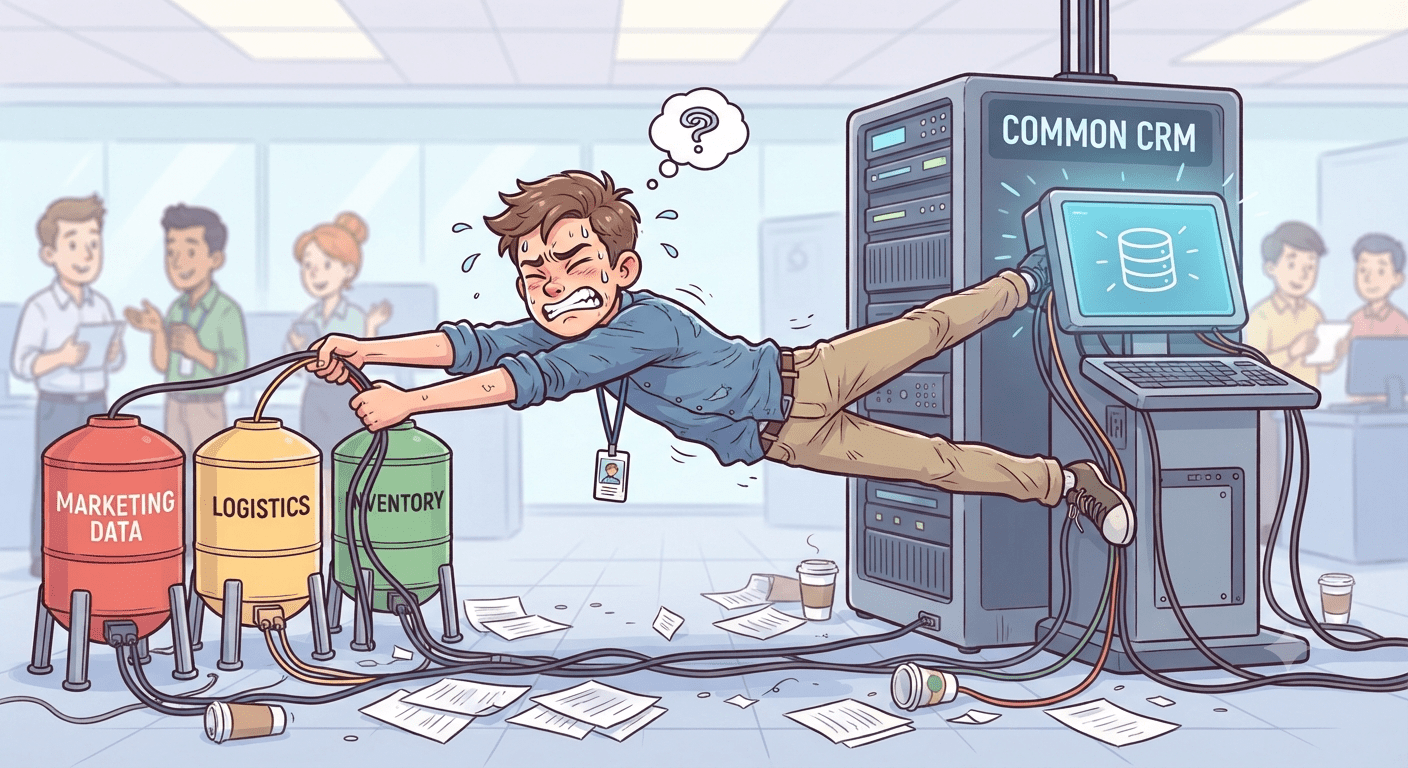
You’ve likely asked an AI a question about your work and gotten a brilliant, concise answer. But when you asked it to actually do something across your company’s software ecosystem, it hit a wall. Why can your AI explain a concept in seconds, but struggle to move a simple task from your inbox to your task tracker?
The answer lies in a problem as old as computers themselves: the “Digital Silo”.
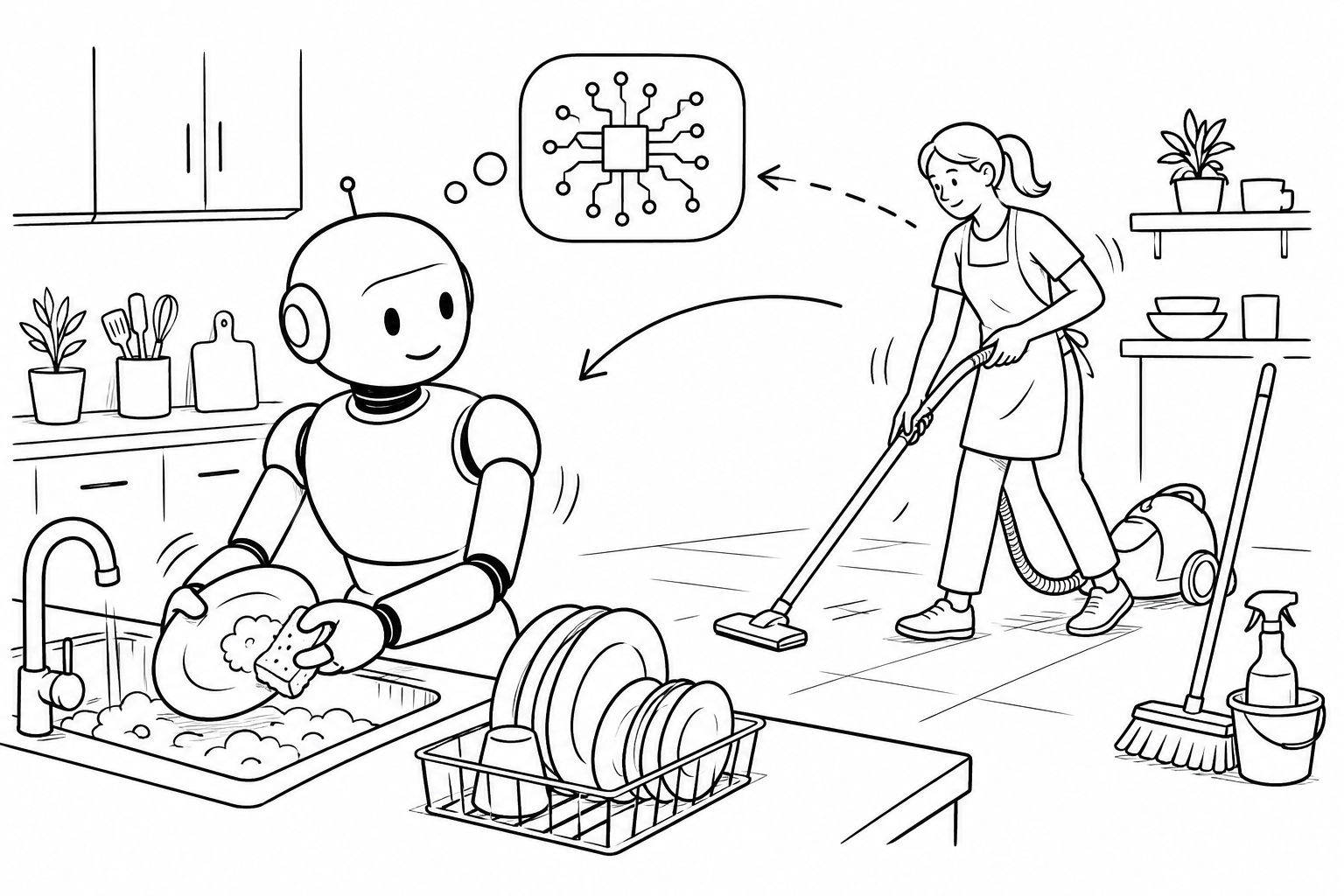
There’s a meme somewhere that says, ” I want AI to do this”, depicting a robot doing kitchen work in a house. Well, that wish is coming true, at least in New York.
Imagine opening your front door to a team of cleaners and a private chef offering their services for free. It sounds like winning a bizarre lottery, but there is one small catch: every sponge wipe, saucepan scrub and misplaced sock is being recorded for science, or more specifically, for robots.
According to this report, a New York-based initiative called “Shift”, run by AI company “Micro AGI”, is sending camera-equipped workers into people’s homes to collect data that could help train future household robots. The goal is ambitious: teach machines how to navigate the chaos of real homes, where every kitchen is different and every junk drawer appears to operate under its own laws of physics.
Workers wear cameras mounted on their caps, capturing detailed footage of cleaning and cooking tasks. Founder Bercan Kilic says the effort is necessary because robots need vast amounts of real-world data to learn how to interact with objects under constantly changing conditions. The company plans to sell anonymised datasets to robotics and AI firms.
For now, New Yorkers must decide whether a spotless apartment is worth helping train the robot butler of the future, and whether that future knows where they keep the good towels.
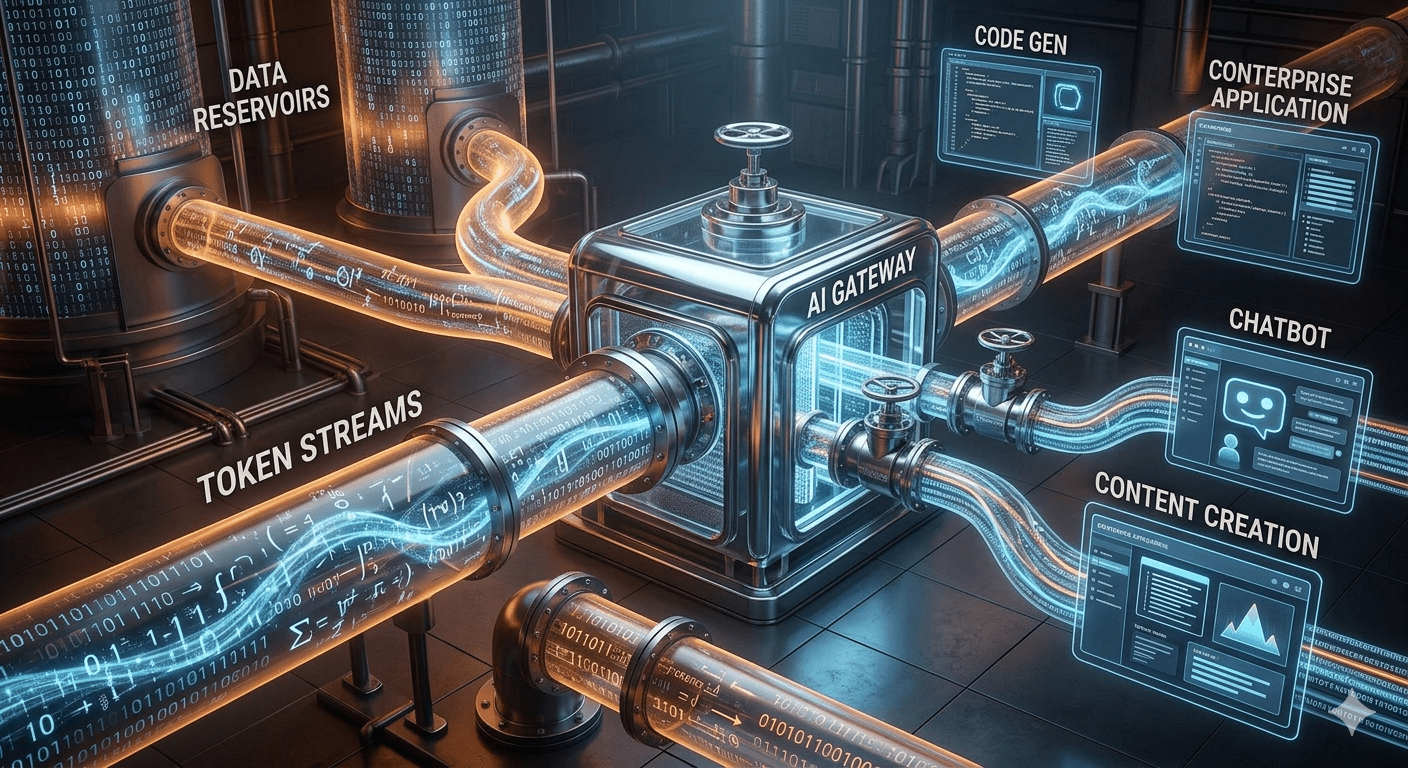
For years, the tech industry declared that “data is the new oil.” But in the age of generative AI, a new thesis is emerging: tokens, not data, is becoming the fundamental unit of value.
Every AI interaction, from generating code to drafting reports, is measured and monetized through tokens. They represent not just text processing, but the consumption of intelligence itself. As enterprises integrate AI deeper into their operations, token management is evolving from a technical consideration into a strategic business priority.
This shift reframes how we think about the AI economy. Competitive advantage may no longer depend solely on proprietary datasets, but on how efficiently organizations generate, allocate, and optimize token usage. Just as oil powered the industrial era, tokens could underpin the economics of the AI era.
The companies that master token efficiency today may become tomorrow’s AI leaders.
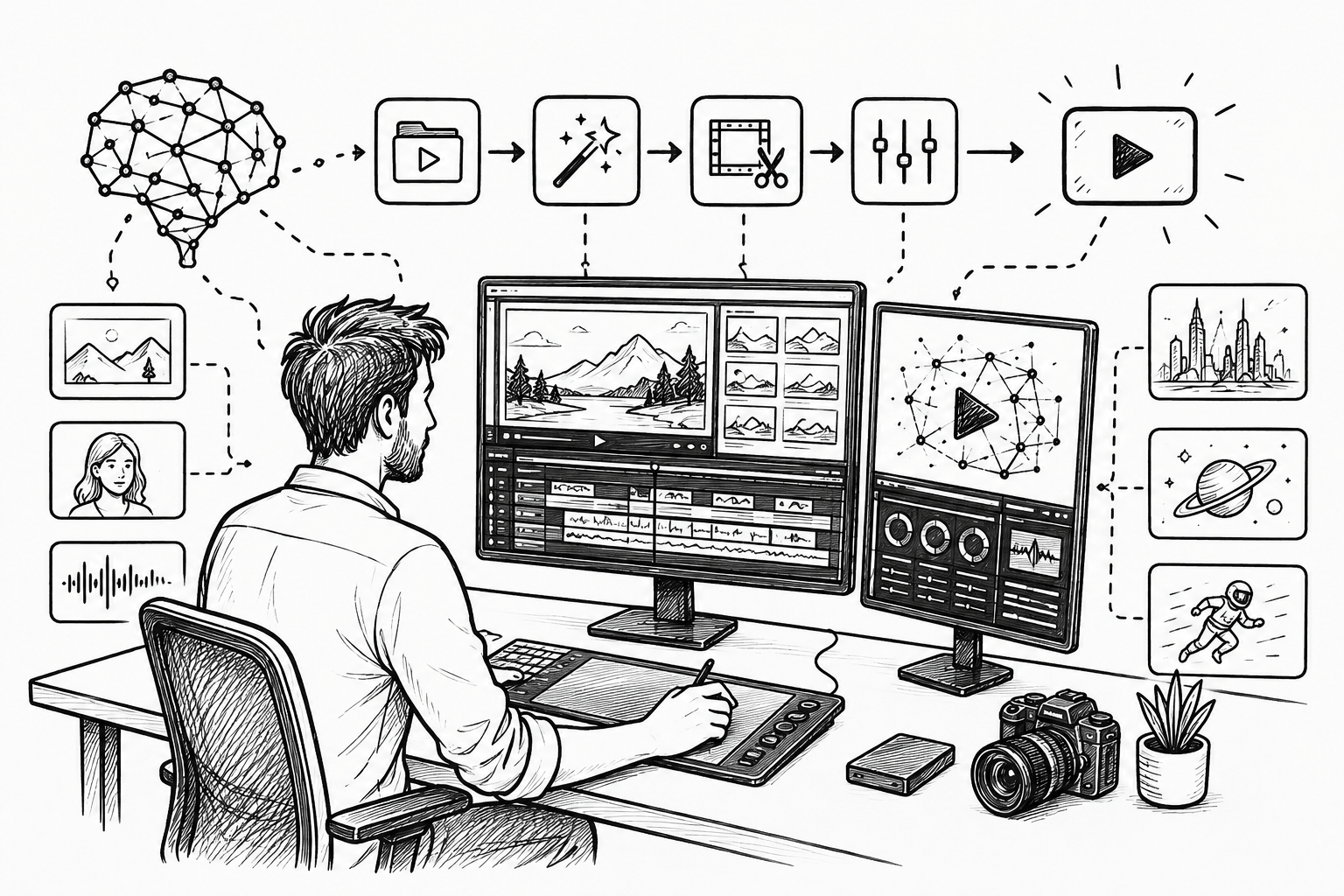
It’s become evident that with the introduction of artificial intelligence (AI), what was once a multi-stage process, from scriptwriting, storyboarding, voiceover creation, editing, to distribution, has now become a largely automated workflow that can produce finished videos within minutes rather than days or weeks.
A key theme is the convergence of multiple AI capabilities. Modern video automation systems combine large language models for script generation, image and video synthesis models for visual creation, speech synthesis for narration, and editing algorithms that assemble content into a coherent final product.
Rather than relying on a single breakthrough, the transformation comes from orchestrating several specialized AI models into an integrated production pipeline.
By reducing dependence on large production teams, AI video systems lower costs and shorten turnaround times. This democratizes video creation, enabling startups, educators, marketers, and individual creators to produce professional-looking content without extensive technical expertise or expensive equipment.
Such efficiencies are increasingly attractive in a media environment where demand for video content continues to grow across platforms.
AI video automation is a productivity revolution rather than a purely technological novelty. Its significance lies in shifting creators’ roles from manual production toward creative direction, strategy, and quality control.
As AI tools continue to improve, the competitive advantage may increasingly come not from technical production skills alone but from the ability to guide, refine, and differentiate AI-generated content.
For more on this topic, go to The TechCircle article,“From Script to Screen in Minutes: The Evolution of AI Video Automation Systems”.
Artificial intelligence (AI) is quietly transforming radiology from a field overwhelmed by image volumes into one that is faster, more precise, and increasingly preventive. Hospitals worldwide are using AI tools to help radiologists detect diseases earlier and reduce diagnostic delays.
Radiology departments today process thousands of scans daily, from X rays and CT scans to MRIs. AI systems can analyze these images in seconds, flagging abnormalities that may require urgent attention. This does not replace radiologists. Instead, it acts as a second set of eyes.
One of the clearest examples is breast cancer screening. At Sweden’s Karolinska Institute, researchers found that AI-assisted mammogram screening helped reduce radiologists’ workload while maintaining accuracy in cancer detection. Similar systems are now being tested across Europe and the United States to improve early diagnosis rates.
AI also proved valuable during the Covid-19 pandemic. Hospitals in India, China, and the UK used AI software to rapidly assess lung scans and identify signs of infection. In overwhelmed healthcare systems, this helped doctors prioritize patients needing urgent care.
Stroke care is another area seeing major gains. Companies such as Viz.ai have developed AI tools that alert specialists when brain scans show signs of a blocked artery. In stroke treatment, where every minute matters, faster detection can significantly improve survival and recovery outcomes.
In India, startups including Qure.ai are deploying AI tools to detect tuberculosis and lung disease from chest X rays in underserved regions. This is particularly important in rural areas where trained radiologists are scarce.
Challenges remain. AI systems can inherit biases from training data and still require human oversight. Regulators are also grappling with questions about accountability and patient privacy.
Yet the direction is clear. AI is not replacing radiologists. It is becoming an essential assistant, helping doctors make quicker and more accurate decisions in a healthcare system under growing strain.
Artificial intelligence (AI) and beer? True, that.
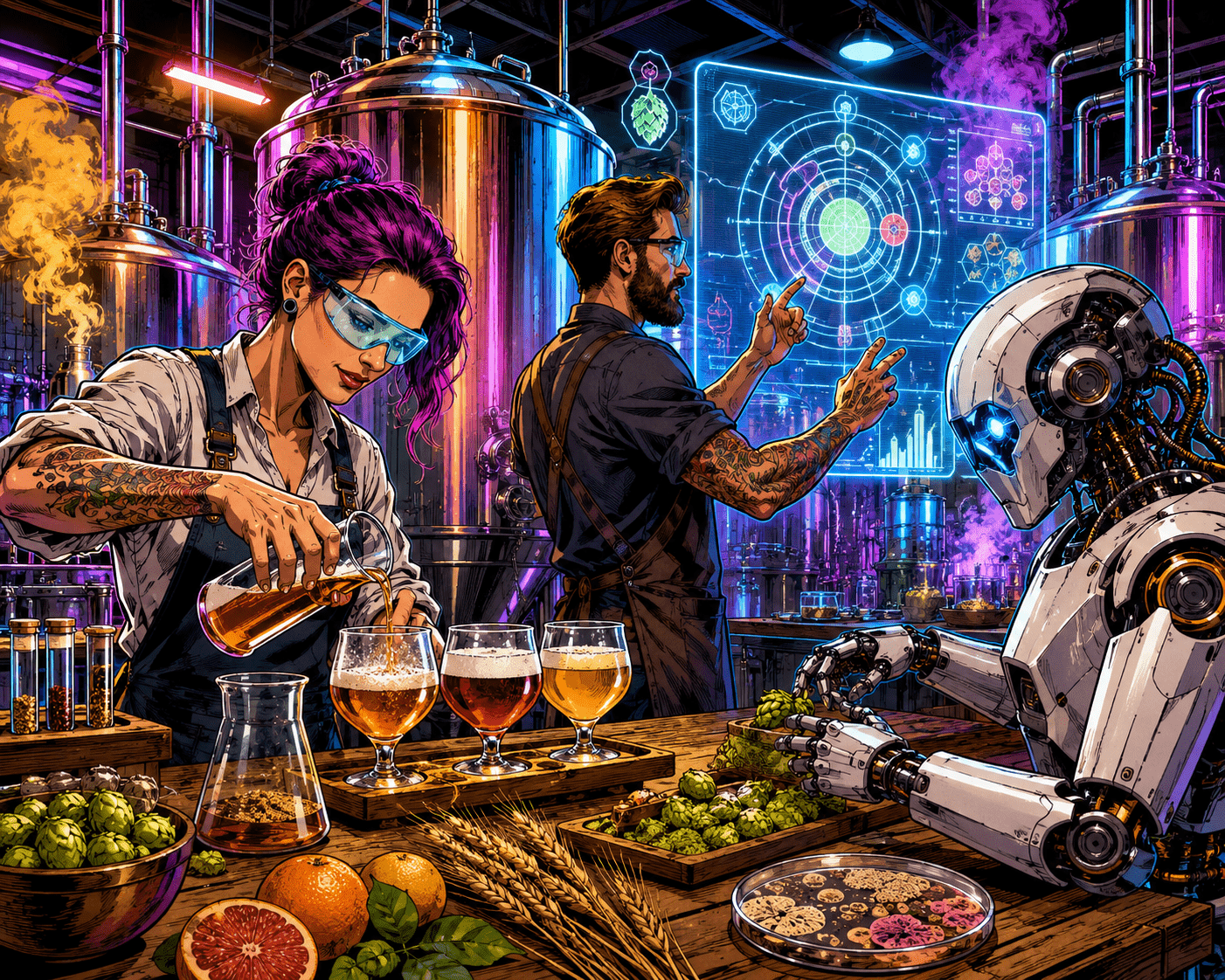
The craft beer industry has always thrived on experimentation. Brewers constantly search for new flavor combinations, brewing methods, and fermentation techniques to stand out in a crowded market. Today, AI is becoming one of the newest tools behind that creativity.
From predicting flavor profiles to optimizing fermentation and designing entirely new recipes, AI is reshaping how modern craft beer is made.
What AI Means in Brewing
In brewing, AI refers to computer systems that analyze large amounts of brewing data and learn patterns from it. These systems can:
Study thousands of beer recipes
Analyze ingredient combinations
Predict flavor outcomes
Monitor brewing conditions in real time
Recommend process improvements
Instead of replacing brewers, AI acts more like a highly analytical brewing assistant.
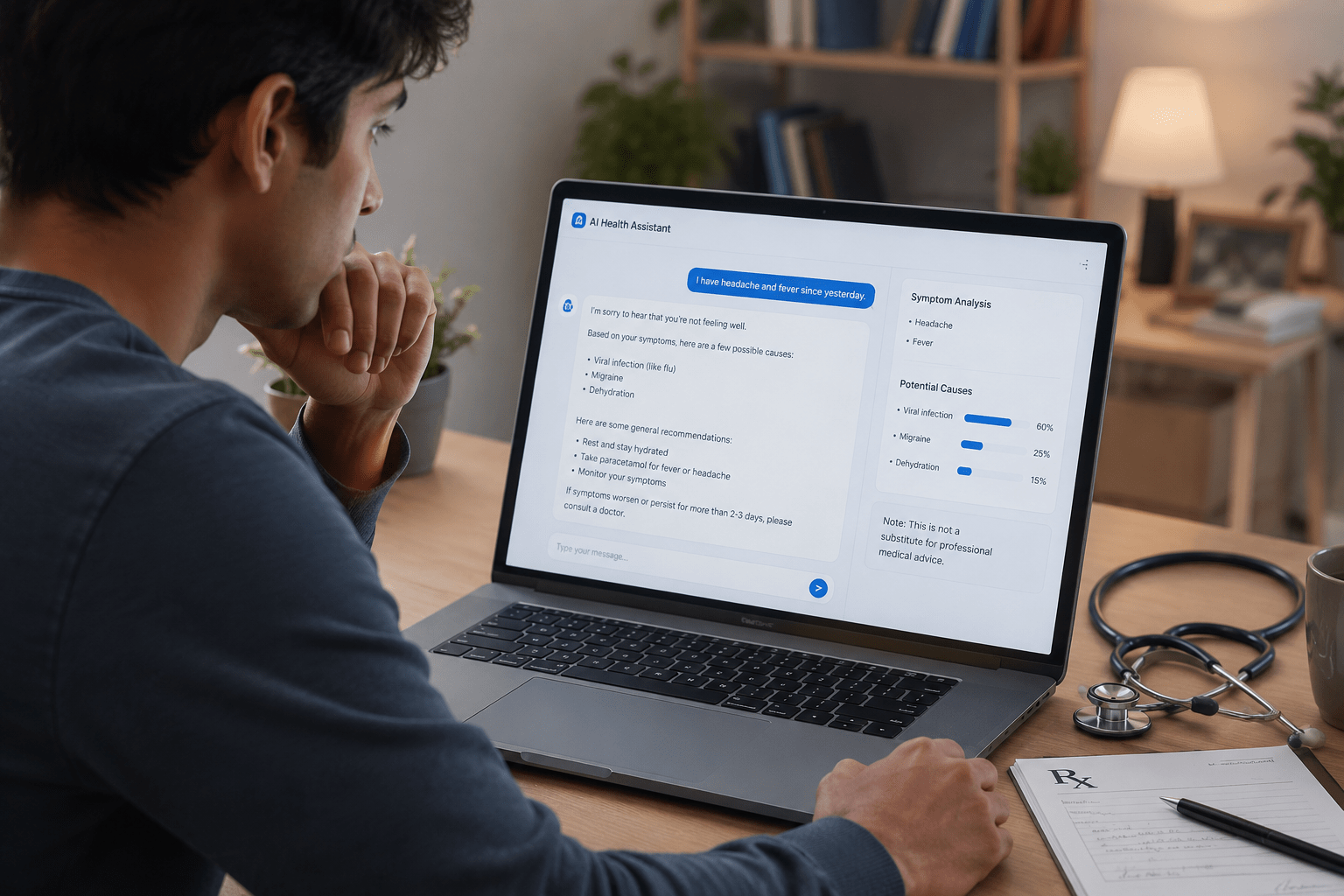
Artificial intelligence (AI) is rapidly becoming the first source of medical advice for many patients before they visit a doctor. From symptom checkers to chatbots such as ChatGPT, people are increasingly turning to AI tools to understand illnesses, interpret medical reports, and seek treatment suggestions.
A recent study by The BMJ reported that patients are using AI-powered platforms to ask health-related questions because they are available 24/7 and provide quick answers in simple language. Experts say this trend is growing, especially among younger patients who are comfortable using digital technology.
Another study undertaken by Bain & Company found that many patients are open to AI-assisted healthcare, particularly for understanding symptoms and medical scans. However, most still prefer AI to support doctors rather than replace them entirely.
Another survey conducted in the United Kingdom by researchers at King’s College London revealed that one in seven people preferred consulting AI chatbots instead of visiting a doctor, mainly due to long waiting times and easier accessibility.
You Are Hereby Warned
Medical professionals, however, warn that AI systems can provide incorrect or misleading information. A study published in Nature Medicine showed that people often trust AI-generated medical advice even when it may not be fully accurate. (Nature) Experts emphasize that AI should be used only for preliminary guidance and not as a substitute for professional medical consultation.
Despite the risks, AI is expected to play a larger role in healthcare in the future. Doctors believe that when properly supervised, AI tools can improve communication, reduce pressure on hospitals, and help patients become more informed about their health.